
How to make a quote online
QuoteSketch is an online quotation maker that runs in your browser. Here is how to make a quote with it: the first two steps happen once, and every quotation after that starts from them.
Set up your company profile and logo
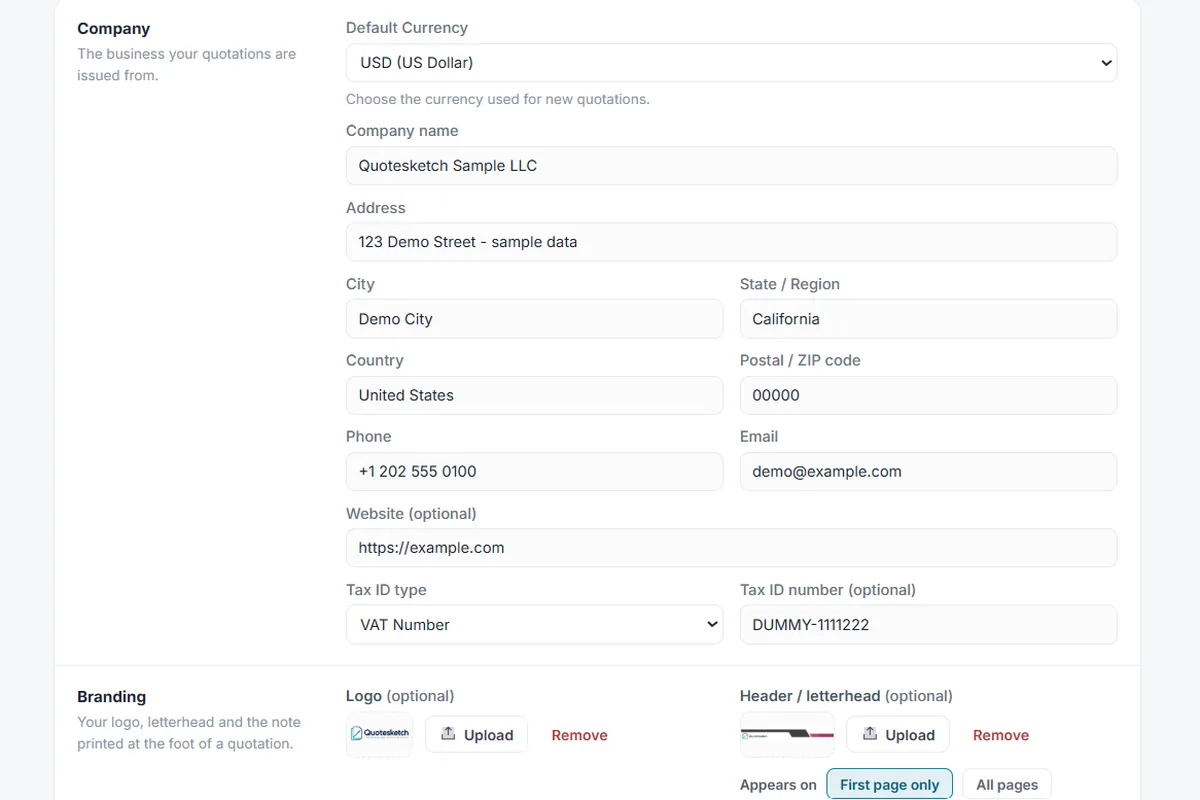
Add your company name, address, tax number and bank details, and upload a logo or a full width letterhead. You do this once.
Add your clients and items
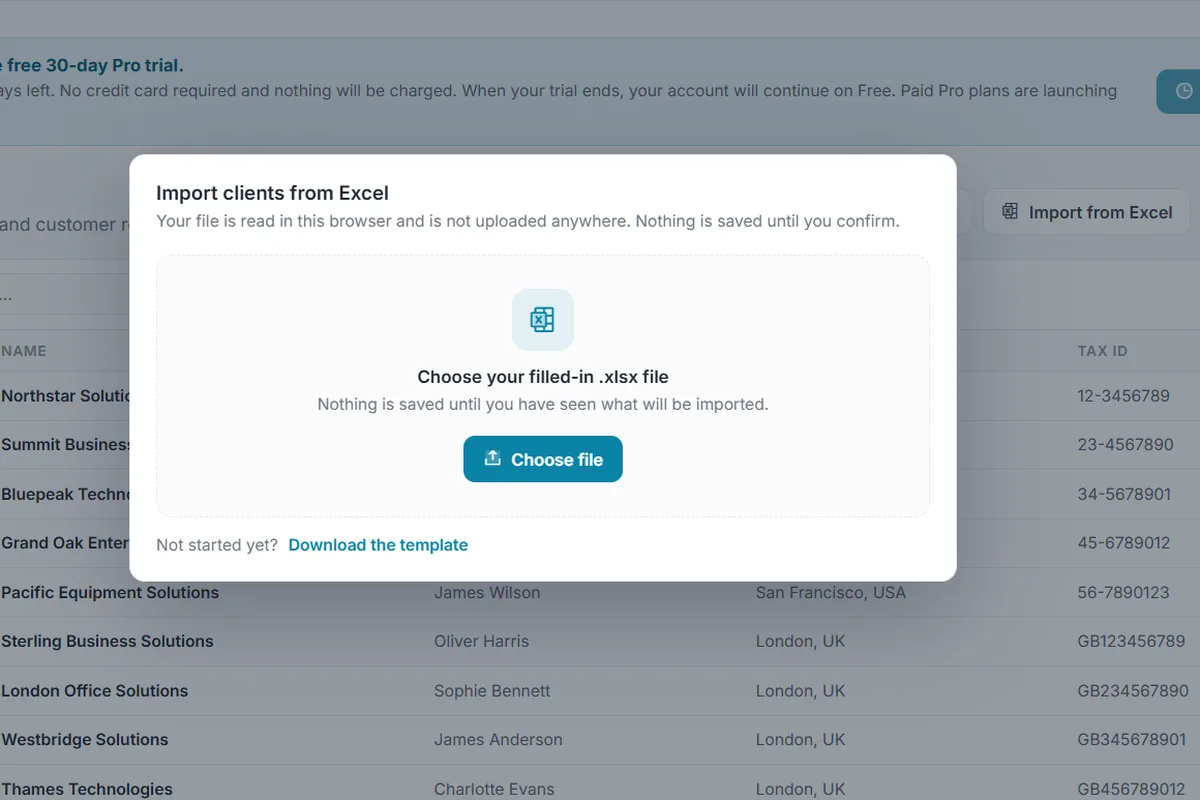
Save the customers you quote and the products and services you sell, each with its price. Already have a list? Import it from an Excel sheet.
Create the quotation with a live preview
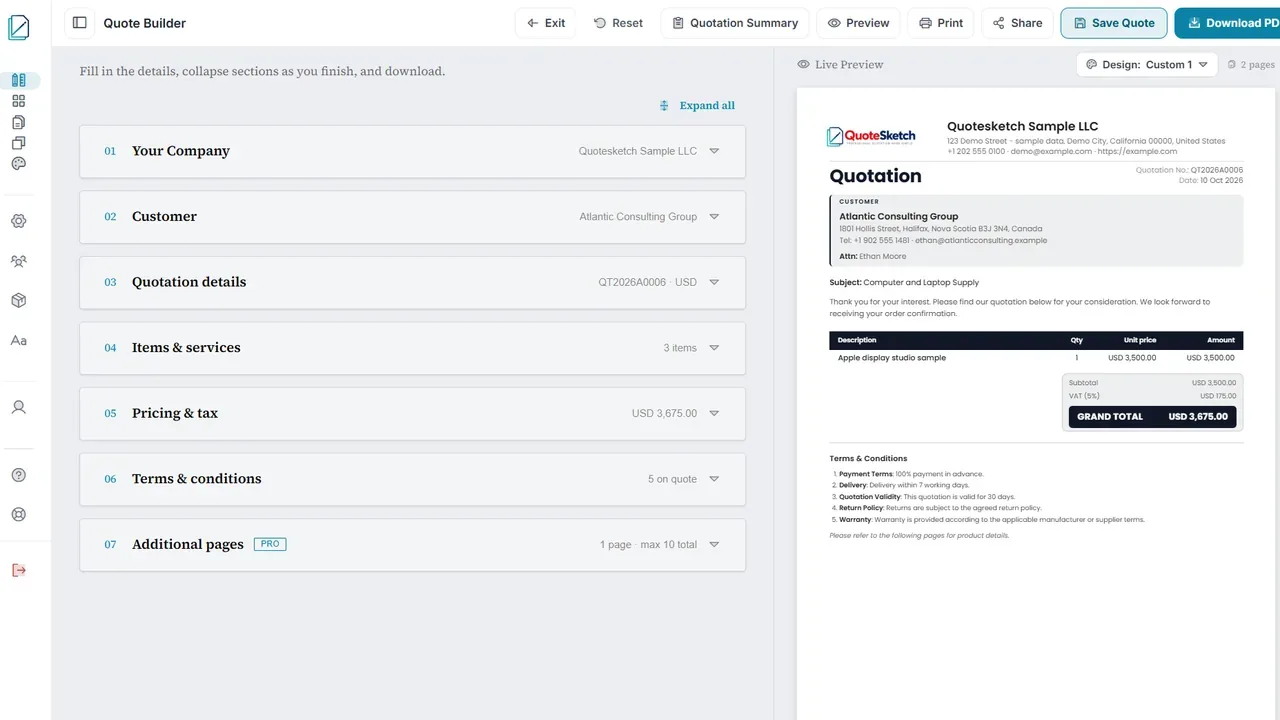
Work down the numbered sections. The A4 quotation builds itself beside the form, and the totals and tax are worked out as you type.
Choose a design and a document title
It is a quote and estimate maker in one. Signed in, pick Classic, Modern, Minimal or one of your own designs, and title the document Quotation, Estimate, Proposal or a heading you type.
See the designs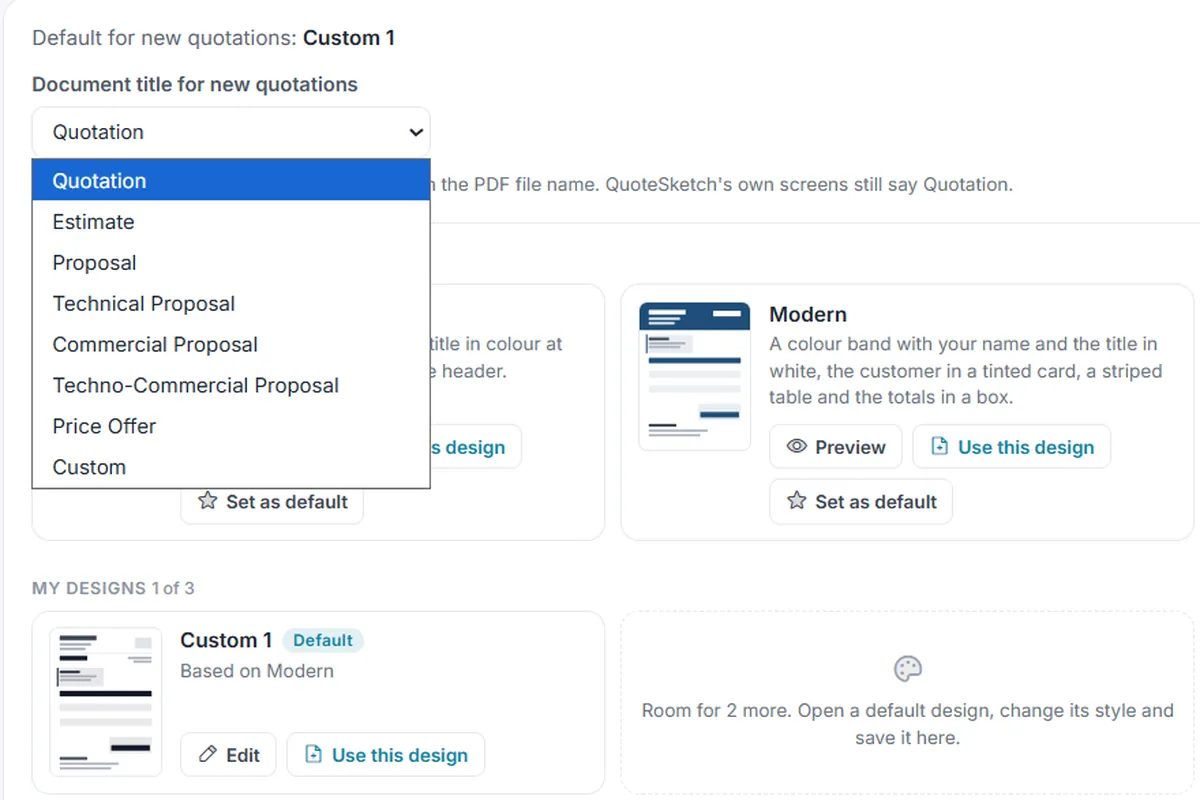
Download, print or share
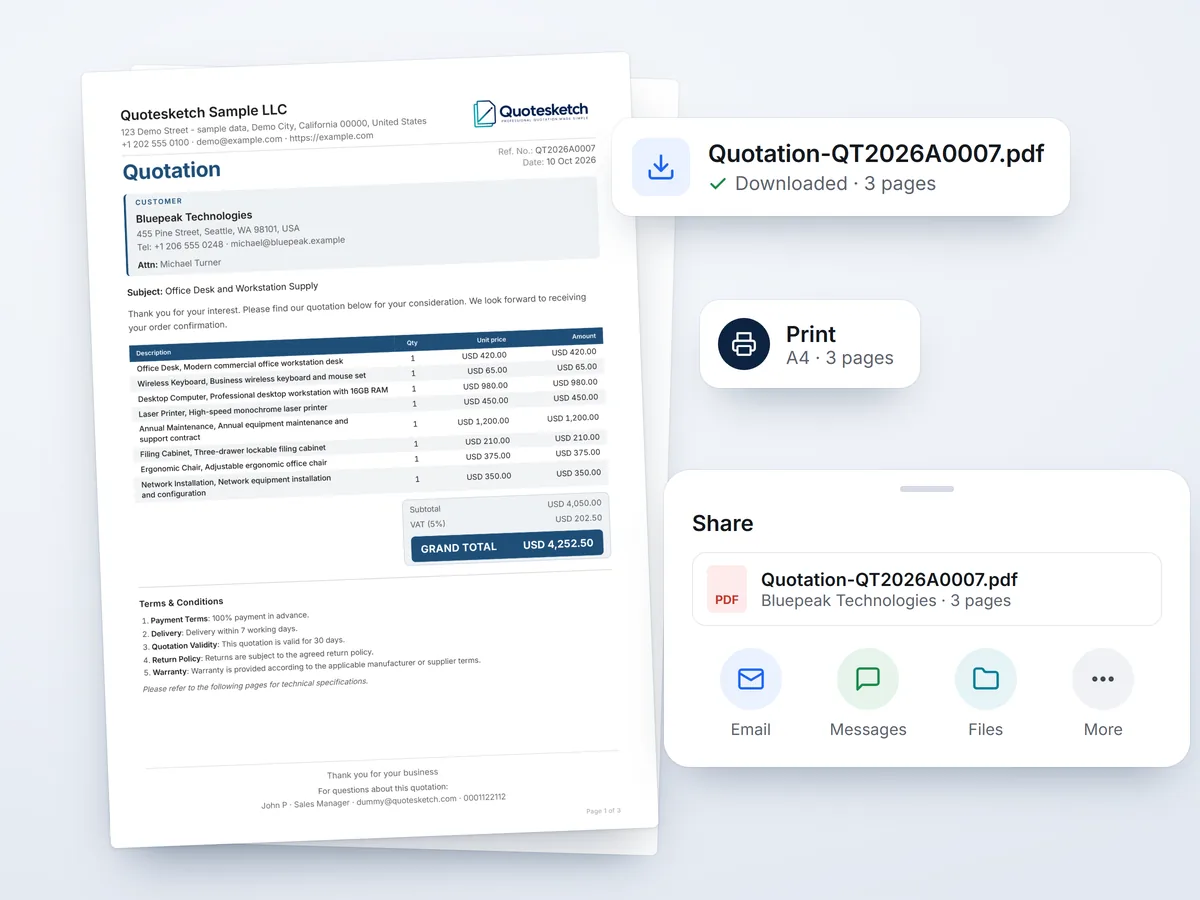
Download the PDF or print it. The PDF matches the preview page for page, and in the Android app Share sends the same file.
Track the result and reuse it
Mark the quotation Won, Lost or Postponed. Reuse it for the next customer, or revise it into a new version and keep the original.
Tracking and reuse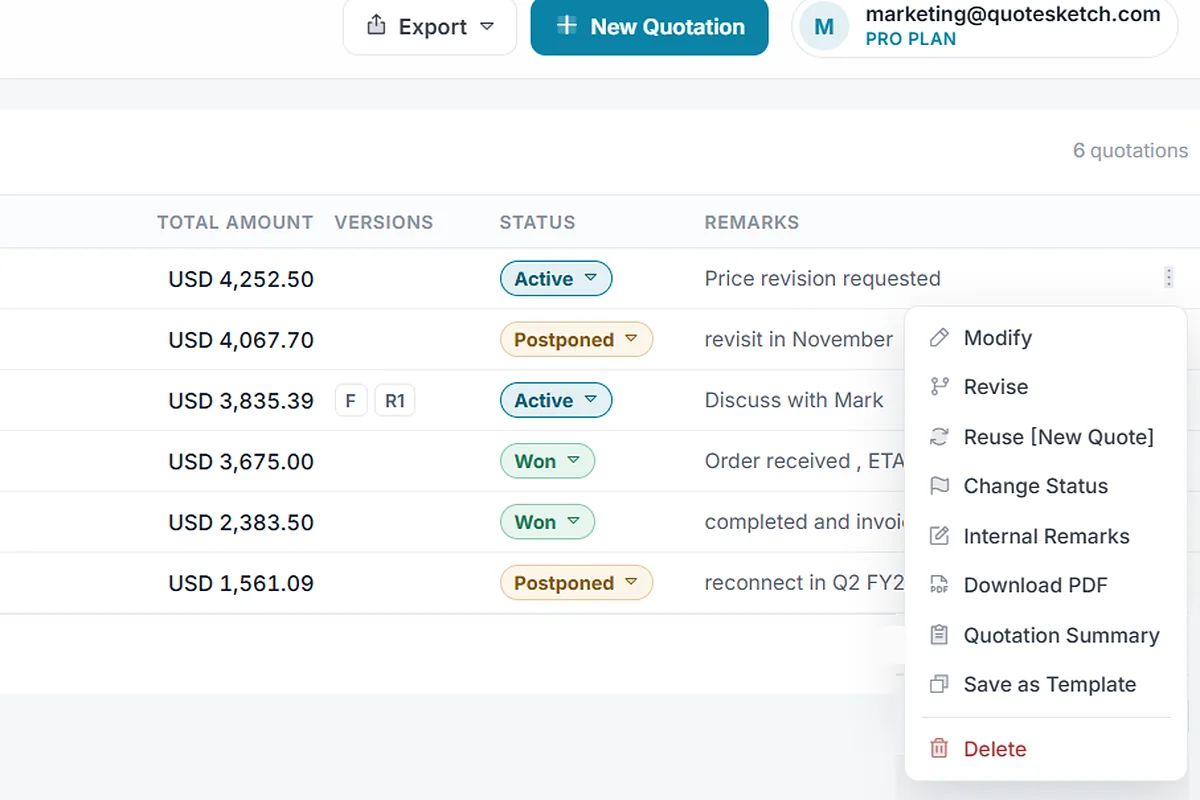
Try it with a real job
Try it on a real quotation you need this week. Online quoting software that opens without an account.